#Growing, Hatching & Fusion
A delivered egg is not an animal yet. It has to be placed on the plot, grow and be opened.
#Placing an egg
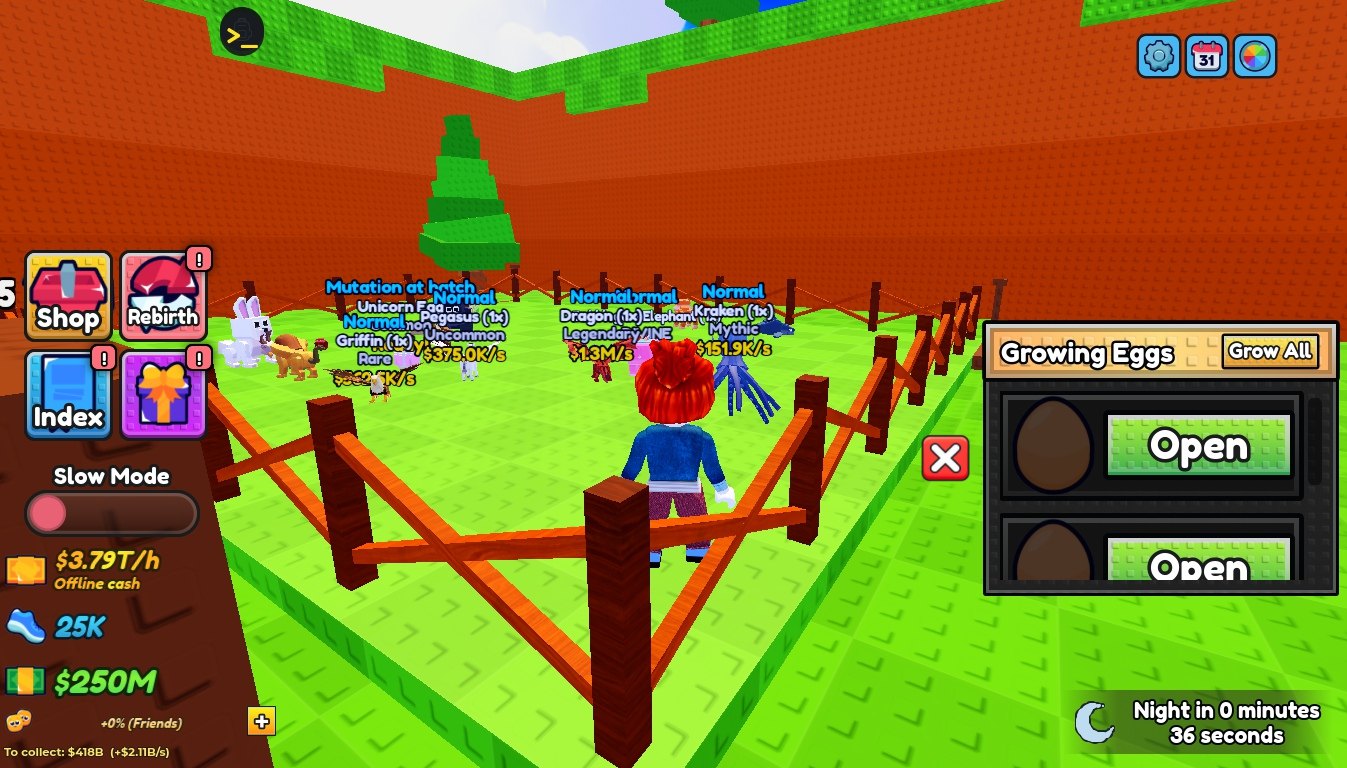
- Open the Eggs panel (or the hotbar) and select the egg.
- Click a spot inside your own plot. Eggs need at least 4 studs between them.
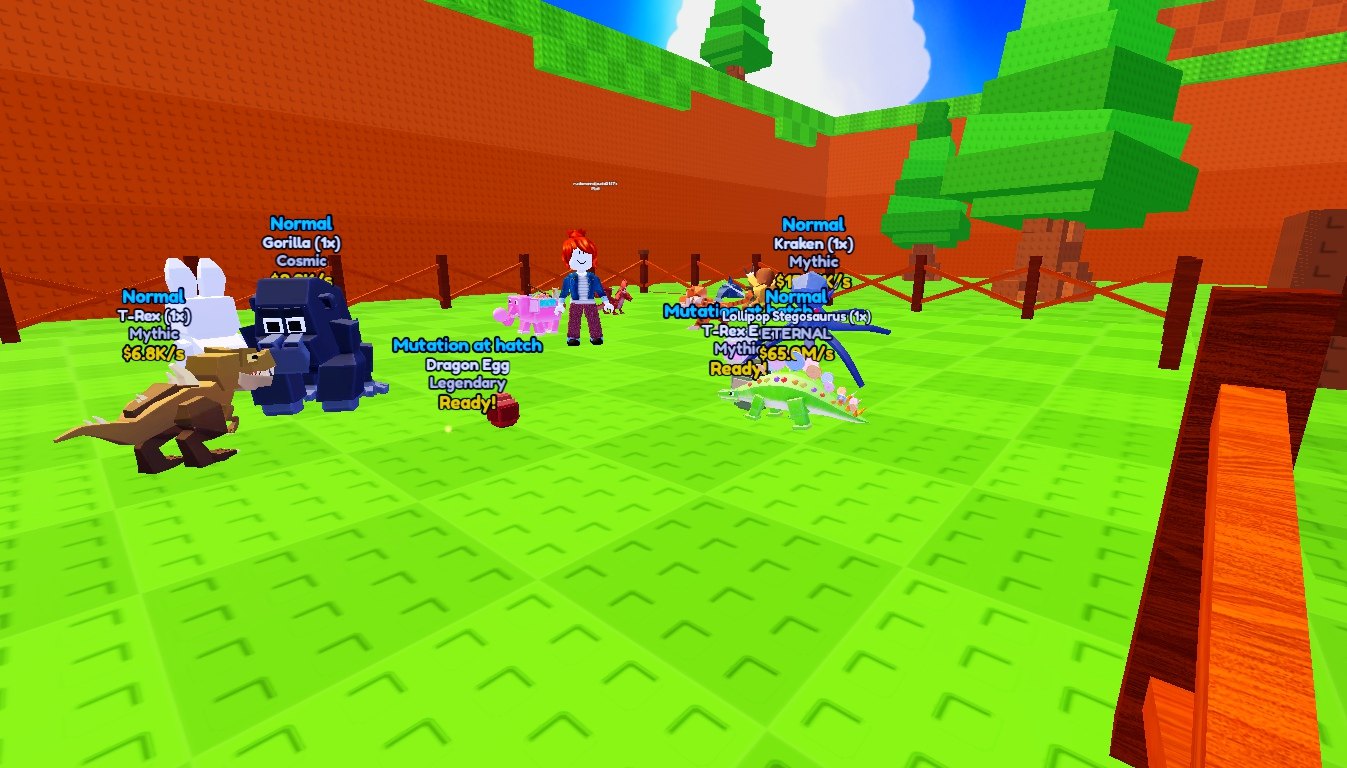
- The egg starts growing. Its label shows Mutation at hatch, species, rarity and the timer.
#Growing
| Factor | Effect |
|---|---|
EggGrowSeconds | 20 s base grow time |
Hatch2 pass | Halves the grow time |
| Night | Eggs grow 20× faster (NightHatchMultiplier) |
SkipEgg / GrowAll products | Finish one or all eggs |
/growall admin command | Finish all eggs of a player |
The timer keeps counting while the player is offline.
#Hatching
When an egg is ready, an Open prompt appears on it and the Eggs panel shows an Open button. Opening plays the hatch animation: the egg shakes, swells, bursts into light and shell pieces, and shows the animal's name and rarity in its rarity colour. The new animal is equipped if a slot is free.
#Fusion
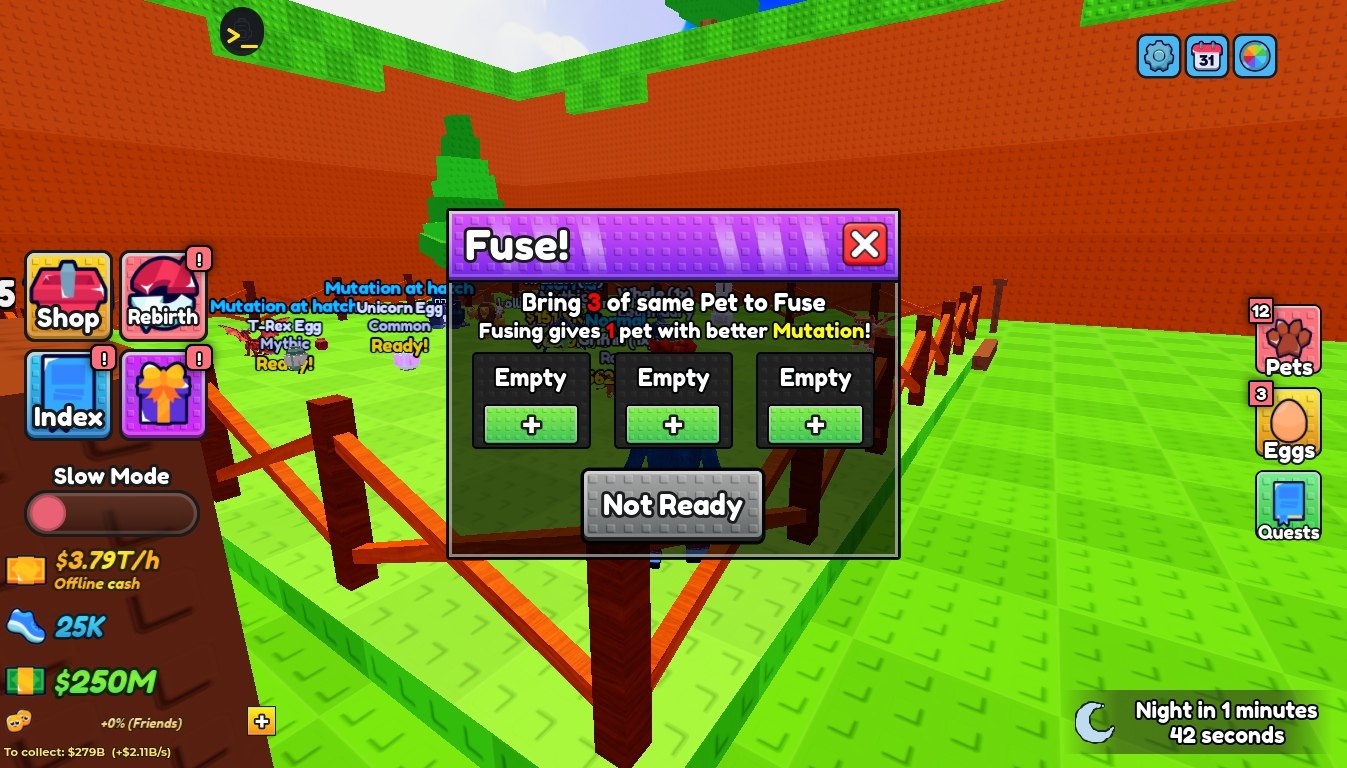
The Fuse machine in the lobby combines three animals into one better animal.
- All three must be the same species and mutation.
- The result has the next mutation (Normal → Golden → Diamond → … → Nightmare) and the average size of the three.
- Nightmare animals cannot be fused further.