#Products & Pricing
All Robux offers are defined in GameConfig. Every ID in the reviewed place is 0. A purchase button with a zero ID answers "This offer is not configured yet" and nothing is charged.
#Create your offers
- Open your experience on the Creator Dashboard: Monetization → Passes and Developer Products.
- Create one entry per offer below and set the Robux price you want.
- Copy each numeric ID into
GameConfig(Passes.<Key>.Id,Products.<Key>.IdorTrails.<key>.ProductId). - Publish and buy each offer once in a live server with a test account.
#Game passes (Config.Passes)
| Key | Effect |
|---|---|
Speed2 … Speed428 | Treadmill Speed ×2, ×4, ×8, ×16, ×24, ×36, ×48, ×64, ×96, ×164, ×256, ×428. Only the highest owned pass counts. |
Cash2 | Doubles passive income |
Hatch2 | Placed eggs grow twice as fast |
InfiniteBackflips | Removes the backflip limit per jump |
Ownership is checked when the player joins and after a purchase.
#Developer products (Config.Products)
| Keys | Reward |
|---|---|
Cash1 … Cash5 | Fixed Cash packs |
Speed1 … Speed6 | Fixed Speed packs |
SpeedBoost | Personal ×2 Speed for a limited time |
ServerLuck | Doubles server luck for 15 minutes, up to ×32 |
StarterPack | 8 000 Cash, 2 500 Speed and a Lion |
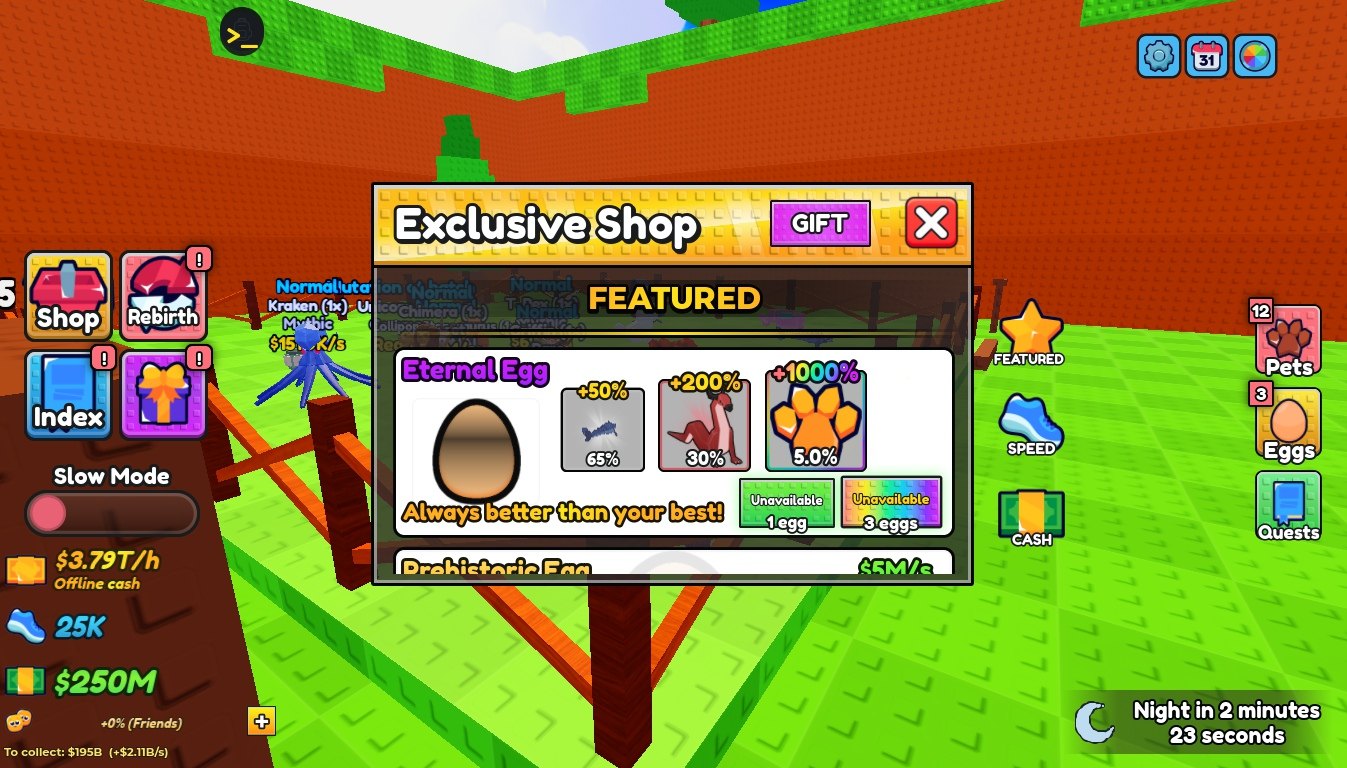
PrehistoricEgg1/3/10, MythicalEgg1/3, EternalEgg1/3 | Shop egg packs |
Mosasaurus, FireDragon | Exclusive animals |
Spins3, Spins10 | Prize wheel spins |
SkipEgg, GrowAll | Finish one or all growing eggs |
SaveEgg | Restores the last egg lost to a guardian or a fall |
ExtraFlip | One more backflip per jump, permanently |
SkipRebirth | Rebirth without the Cash cost |
DoubleOffline | Doubles the offline earnings claim |
Trail_<id> | Buys a trail with Robux instead of Cash |
The shop egg packs roll from ShopEggWeights (Prehistoric and Mythical pools).
#How purchases are granted
MarketplaceService.ProcessReceipt in GameService grants a product only after the player's profile is loaded from the DataStore. The receipt ID is stored in the profile and saved before Roblox is told the purchase is complete. If that save fails, the receipt is retried later, so a player is not charged without the reward or rewarded twice.
Products are only granted in a profile backed by a DataStore. Test purchases in a live private server, not in a Studio session without API access.
#Group reward
Config.GroupId is 0. Set it to your group's ID to enable the group reward button. Players then have to join that group to claim it.